
Record great content from anywhere
You don't have to be in the studio to make excellent lessons. Record a talking-head or a slide walkthrough at your desk, upload it, and Studio's production pipeline automatically repairs the audio, builds the animated graphics, and finishes it to the same standard as our in-studio shoots.
You record it. Studio turns it into this.
This lesson started as one instructor's own recording and a plain slide deck. Studio automatically repaired the audio, animated every slide, and finished it to the same standard as anything shot in our studio. That's the whole deal. You bring the teaching, and the platform makes it shine.
Everything you need to record well
No gear or editing skills required. Get these four things right and your footage will finish beautifully.
Set up your space
A quiet room, a window or lamp in front of you, and your phone or laptop at eye level. That's genuinely most of the battle.
- Face a light source. Never sit with a window behind you.
- Camera at eye level, roughly arm's length away.
- Quiet room. Soft furnishings cut echo.
- Landscape (horizontal), please. Not vertical.
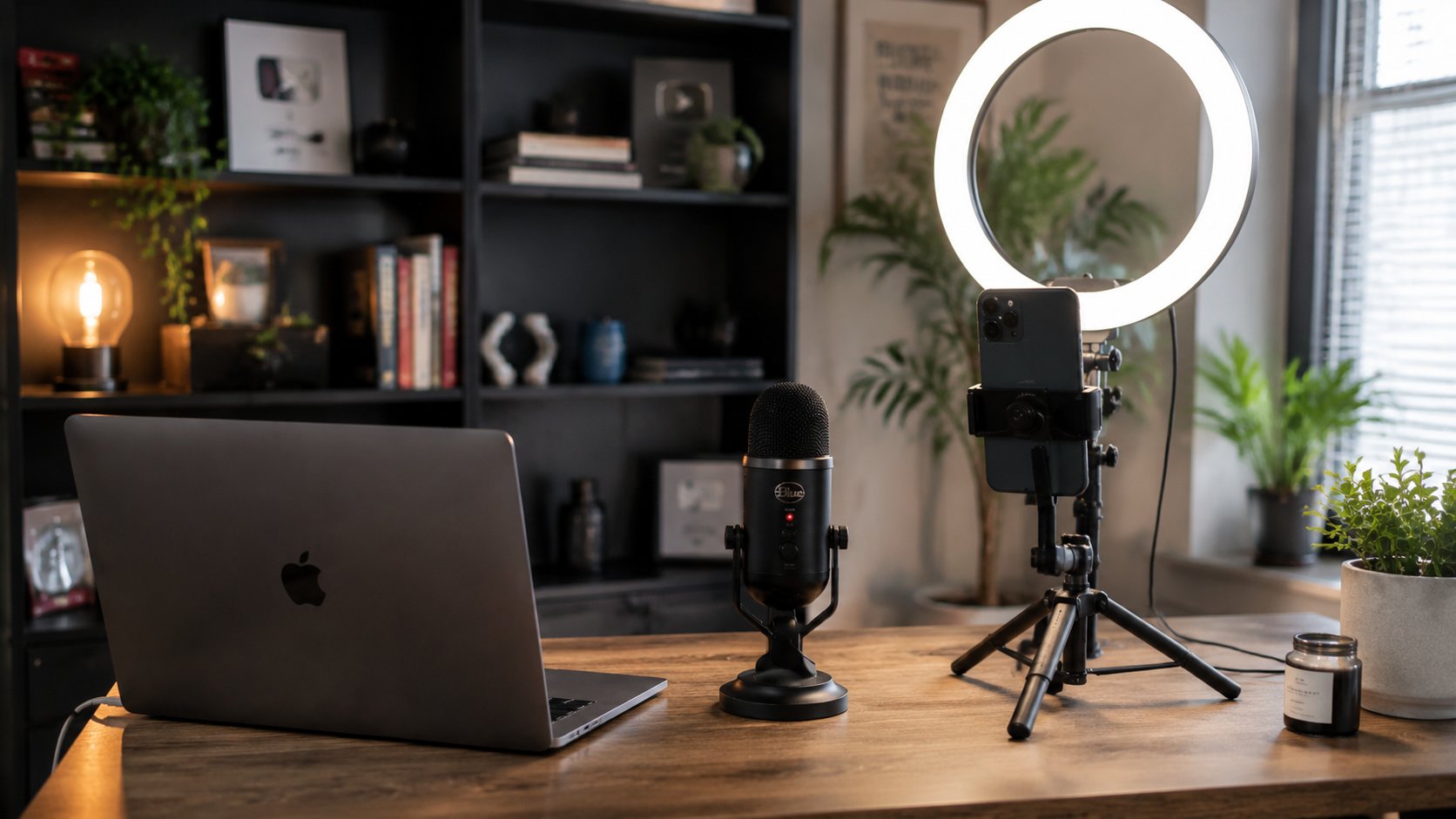
Get clean audio
Audio matters more than video. Wired earbuds with a mic, or any clip-on mic, beat your laptop's built-in mic every time.
- Use earbud or clip-on mic if you have one.
- Record somewhere quiet, with no fans or traffic.
- Do a 10-second test and play it back before the real take.
Record your lesson
Teach one concept per video, just like in the studio. Talk to the camera as if a student were in front of you. If you stumble or misspeak, don't stop. Just correct yourself and keep teaching. The platform will edit the mistake out for you.
- One idea per video, 2 to 6 minutes.
- Talking-head or share your slides. Both work.
- Made a mistake? Keep teaching. The software edits it out.
- Leave a second of silence at the start and end of each take.
Just upload the raw file
This is the whole submission. Upload your raw recording and your slide deck straight from your phone or laptop. No editing, no trimming, no software to learn on your end. From there Studio takes over. Audio repair, animated graphics built from your slides, editing, and publishing all handled automatically by the platform.
- No editing needed. Upload the raw file exactly as you recorded it.
- Include your PowerPoint so the platform can build the graphics.
- The platform repairs audio and animates your slides automatically.
- Auto-reviewed for accuracy, then published to your course.
Upload your first video
Sign in to upload into your course and let the platform finish it. Or get in touch and we'll walk you through it.